Documentation

Find your next step.

Setup, configuration and troubleshooting guides for Digital Apps plugins. Find your product, then get back to building.

Product directory

Choose your plugin.

Find setup steps, configuration checks and troubleshooting in each guide. Product pages and additional resources stay close at hand.

8 plugin guides

Before you start

Set up with confidence.

Three checks to keep the site, credentials and visitor experience safe while you work.

  1. Install safely

    Back up the site, confirm the WordPress and PHP requirements, then activate the plugin in a staging environment first.

  2. Connect the service

    Use test credentials where available and keep license keys, API secrets and webhook keys out of tickets and screenshots.

  3. Verify the workflow

    Test the complete visitor or admin journey, review logs, then clear caches before enabling the integration in production.

Quick guide library

From setup to a working workflow.

Open a product to follow the setup sequence, verify its configuration and work through common issues.

AdUnblockerMonetisation and analytics

Setup, configuration & troubleshooting

Quick setup

  1. Install and activate AdUnblocker from WordPress, then upload and activate the Pro add-on if your plan includes it.
  2. Open the AdUnblocker settings and enable protection for the site.
  3. For Pro, enter the license email and key from your purchase confirmation, then save the activation.

Configure and verify

  • Choose the available Strict, Temporary or Dismissible behaviour that fits the visitor experience you want.
  • Update the title, message, layout, colours, overlay and timing controls to match the site.
  • Exclude individual pages or logged-in users where the blocker should remain inactive.
  • Test in a private browser window with an ad blocker enabled before publishing the final settings.

Troubleshooting

  • Clear the WordPress, CDN and browser caches after changing display or behaviour settings.
  • Regenerate the plugin CSS and JavaScript assets if an old layout continues to appear.
  • Exclude AdUnblocker assets from script delay, combination tools or Cloudflare Rocket Loader when detection is inconsistent.

WP Global Site TagMonetisation and analytics

Setup, configuration & troubleshooting

Quick setup

  1. Install and activate WP Global Site Tag from WordPress.
  2. Choose whether the plugin should output the Google tag or whether another tool already loads it.
  3. Add the required GT-, G-, AW- or DC- identifier and save the settings.

Configure and verify

  • Add any extra destinations that should receive events through the same Google tag.
  • Enable Consent Mode v2 defaults only after confirming how your consent banner updates visitor choices.
  • Use custom gtag commands for approved advanced tracking requirements and document why each command is needed.
  • If using Pro reporting, connect the intended Google property and confirm that the displayed property name is correct.

Troubleshooting

  • Check the rendered page source or Google Tag Assistant to confirm the expected identifier is present.
  • Remove duplicate tag output from themes, snippets or other analytics plugins before testing events.
  • If consent remains denied, confirm the consent platform sends an update after the visitor makes a choice.

WP Adyen PaymentsPayments and commerce

Setup, configuration & troubleshooting

Quick setup

  1. Install and activate WP Adyen Payments, then select the Adyen test environment.
  2. Enter the API credentials and merchant account details created for the WordPress integration.
  3. Create the webhook in Adyen, add its HMAC key in WordPress and place the required block or shortcode on the payment page.

Configure and verify

  • Choose the authorisation and capture workflow that matches the way your team fulfils orders.
  • Enable only the payment methods and currencies supported by the connected merchant account.
  • Test a successful payment, a declined payment, a capture and a refund before enabling live mode.
  • Confirm WordPress records each event and that customer-facing status messages are understandable.

Troubleshooting

  • Check that the API key, client key and merchant account all belong to the selected environment.
  • Inspect Adyen webhook delivery and HMAC validation when payment status does not update.
  • Use the payment history and logs to match the WordPress record with the Adyen PSP reference.

WP Domain SyncReal estate

Setup, configuration & troubleshooting

Quick setup

  1. Install and activate WP Domain Sync, then add the Domain.com.au API credentials supplied for the agency.
  2. Select the sales, rental or commercial listing types the site needs and review the default field mapping.
  3. Run an initial sync and inspect a small set of imported properties before scheduling ongoing updates.

Configure and verify

  • Map property fields, statuses, agents, inspections and media to the structure expected by the theme.
  • Decide how sold, leased, withdrawn and deleted listings should be retained or unpublished.
  • Set a sustainable sync interval and confirm the WordPress cron system runs reliably.
  • Check listing templates on desktop and mobile with real data, long addresses and multiple inspections.

Troubleshooting

  • Revalidate API credentials and agency access when no listings are returned.
  • Check WordPress cron and the most recent sync log when updates stop arriving.
  • Retry one affected listing and review image permissions, timeouts and available server storage when media is incomplete.

WP AgentBox SyncReal estate

Setup, configuration & troubleshooting

Quick setup

  1. Install and activate WP AgentBox Sync, then connect the Agentbox API credentials for the agency.
  2. Choose the listings, agents, suburbs and fields that should be imported.
  3. Run an initial sync and confirm the imported WordPress posts and metadata contain the expected values.

Configure and verify

  • Map Agentbox data to the custom fields used by the active property templates or Houzez setup.
  • Configure the webhook for near real-time listing changes and keep a scheduled sync as a recovery path.
  • Decide how status changes, removed listings, agents and media should be handled.
  • Submit a test lead from each connected form and verify it reaches the correct Agentbox record.

Troubleshooting

  • Check API access and the latest sync log when listings or agents are missing.
  • Compare one source field with its WordPress meta key when a template displays the wrong value.
  • Confirm webhook delivery and run a manual sync when a recent Agentbox change has not appeared.

WP SwiperContent and UI

Setup, configuration & troubleshooting

Quick setup

  1. Install and activate WP Swiper, then add the Swiper block in the Gutenberg editor.
  2. Add slides and place the required image, video or WordPress blocks inside each slide.
  3. Save the page with the default slider settings and verify the basic carousel before customising it.

Configure and verify

  • Set direction, slides per view, spacing and responsive breakpoints for the page layout.
  • Enable only the navigation, pagination, autoplay or thumbnail controls visitors need.
  • Use focal points, overlays and auto height to keep mixed media readable across screen sizes.
  • Test keyboard controls, touch gestures and reduced-motion expectations before publishing.

Troubleshooting

  • Resave the page after plugin updates if an older block needs its saved markup refreshed.
  • Clear page and asset caches when updated slide content or settings do not appear.
  • Check the browser console and temporarily disable script combination when navigation does not initialise.

WP YourIRContent and UI

Setup, configuration & troubleshooting

Quick setup

  1. Install and activate WP YourIR, then confirm the company and market-data access supplied for the site.
  2. Add the required investor relations blocks to a draft page in Gutenberg.
  3. Check announcements, reports and share information against the approved investor relations source before publishing.

Configure and verify

  • Choose which announcement, report, share price, chart, event or webcast blocks belong on each page.
  • Set sensible item limits and ordering so recent market disclosures remain easy to find.
  • Use clear headings and document labels for accessibility and regulatory review.
  • Confirm the release workflow with the organisation responsible for investor relations content.

Troubleshooting

  • Confirm company identifiers and data access when feeds are empty or show another organisation.
  • Clear page caches when a released announcement is available at the source but not on the site.
  • Test document links and market-data blocks in a private browser window before escalating a feed issue.

WP Client File PortalClient tools

Setup, configuration & troubleshooting

Quick setup

  1. Install and activate WP Client File Portal, then create or select the portal login and dashboard pages.
  2. Create a test client account with the minimum role and permissions needed to use the portal.
  3. Upload a test file, assign it to that client and verify the complete login and download flow.

Configure and verify

  • Define which staff can create clients, upload files and change sharing rules.
  • Brand the login and dashboard experience without exposing WordPress administration controls.
  • Use client-specific assignments and secure download links instead of public media-library URLs.
  • Set a documented process for removing access when a client engagement ends.

Troubleshooting

  • Confirm the configured login and dashboard pages are published and not being cached for all users.
  • Review the client assignment and current user permissions when a file is not visible.
  • Generate a fresh secure link and check server file permissions when a download token fails.

Related WordPress theme

Building with WP Listed?

Review the theme features, listing templates and AgentBox-ready website structure alongside the real estate plugin guides.

Explore WP Listed
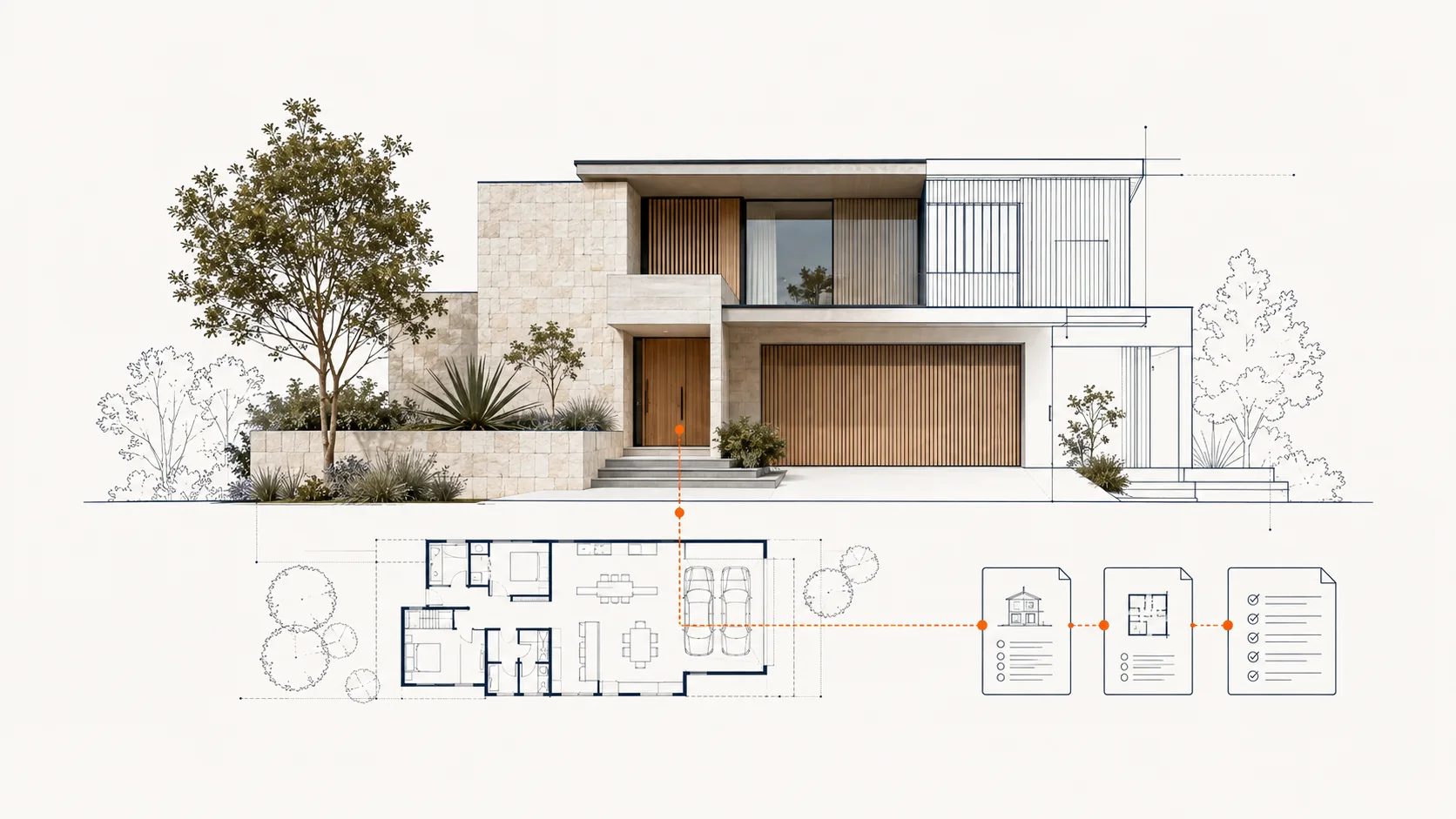
Architectural concept combining a property, floor plan and connected information.
WP Listed concept illustration, not a product screenshot.

Need more help?

Let’s work through it.

Include the product and version, WordPress and PHP versions, site URL, exact reproduction steps and relevant log messages. Never send passwords, API secrets or full payment details.

Project enquiry

Tell us about your project.

Share what you are building, improving or connecting, and Digital Apps will reply with the most useful next step.
